

Practical ways for families to revisit their approach to online safety
By Dr Elizabeth Milovidov
Australia’s Interactive Games & Entertainment Association (IGEA) has reported on just how embedded gaming is in everyday life, with four out of five (82%) of Australians playing video games. According to eSafety, this number jumps to 86% of 10 to 15 year olds, leaving parents to grapple with how much time their kids are spending online, who they’re playing online games with, and how to keep those experiences positive and age-appropriate.
Start with privacy and safety basics
Before your child starts gaming, consider what privacy and safety settings might be right for them. Establishing simple steps can make a big difference in protecting their online experience:
- Choose a safe username – avoid real names, ages, or personal details that could identify your child.
- Set privacy settings that suit your family – discuss who they can interact with.
- While Roblox doesn’t have location sharing, some games and apps do – consider turning location sharing off where it is a feature.
- Familiarise yourself and your children with reporting tools – teach them how to block or report inappropriate behaviour.
- Make safety a shared habit, not a one-time setup – revisit your privacy settings together every few months, as your child grows their digital confidence and the platforms they use may evolve too.
Get in the game
Take the time to learn about the games your children love playing. The more you know about the games they play and the platforms they use, the better equipped you’ll be to guide safe and positive experiences.
Take Roblox, for example. It’s one of the most popular gaming platforms among children and teens, offering thousands of user-created games. There is an online Safety Centre to help parents and carers understand what Roblox is, guides on how to use parental controls, and answers to common questions. And while many of the games are purely for fun, there are also lots which offer educational benefits that help kids develop new skills and explore their creativity. Roblox has a popular Learning Hub which has been visited over 40 million times, and will help you easily find great educational experiences.
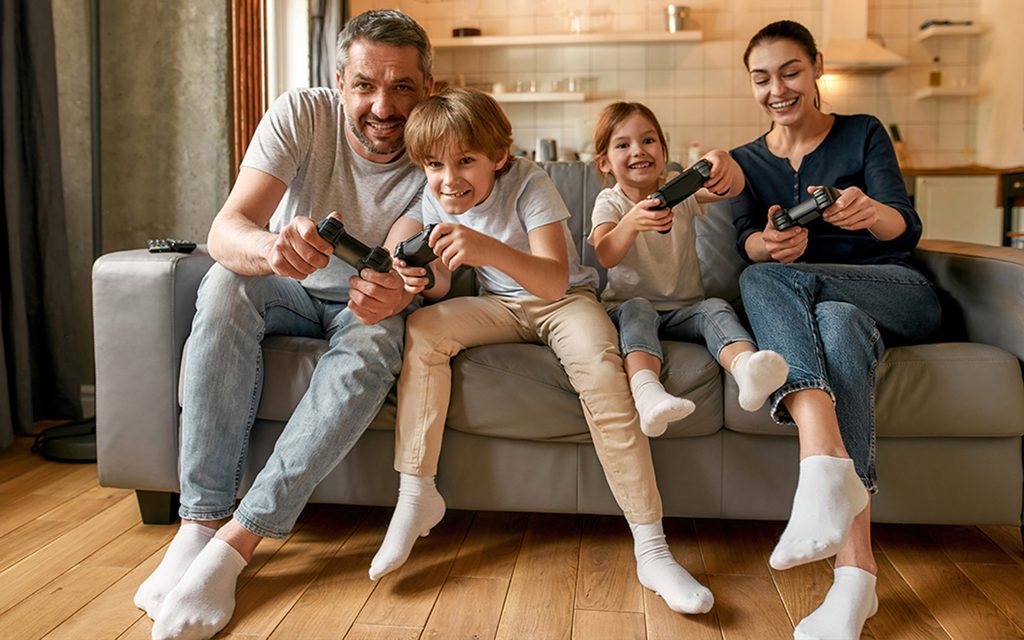
One of the best ways to understand what your kids do online is to join them. Playing games alongside your child isn’t just fun; it shows you value what they love and creates natural opportunities to talk about safety, friendships, and the skills they’re building.
Try asking upbeat, open-ended questions to keep the conversation positive, such as:
- “What do you love about this game?”
- “How did you discover it?”
- “What tips would help me get started?”
- “Who do you like playing with, and what makes them a good teammate?”
Talk through their gaming experiences
Online games are great fun, but they can also bring challenges like bullying or stress. Instead of reacting only when problems arise, start early; use everyday gaming moments to teach coping strategies and essential digital life skills.
If your child encounters bullying or stress online, work through solutions together:
- Take a break with mindfulness strategies like Box Breathing or a quick walk
- Switch to a different game or play with trusted friends
- Reinforce that asking for help is always okay
- Encourage them to approach a trusted adult if they feel unsafe
Revisit what happened together once emotions have settled, reflecting calmly on a difficult moment helps your child build resilience and know how to handle it better next time.
Get familiar with parental controls
Managing your child’s gaming experience doesn’t necessarily require constant supervision; it all depends on what works for your family. Whilst I would always recommend you remain engaged with your child’s gaming activity, most platforms and devices offer parental tools to help you set limits on screen time, content, and interactions; so you can feel confident even if you’re not watching them over their shoulder.
Parental Control on Roblox, for example, let parents and carers remotely manage settings like:
- Screen time limits
- Content maturity levels and the type of games they can play
- Who your child can chat with
- How much they can spend
The best time to set these controls is before your child starts gaming, but it’s never too late to adjust them. And remember, controls shouldn’t be fixed.
As kids grow and become more savvy online, boundaries will evolve too. Staying engaged and having open conversations with your children help you decide what’s right for them.
To make things easier for parents, Roblox now uses Facial Age Estimation to check a user’s age before enabling chat features, and assign players to an age-appropriate account type, including Roblox Kids for children aged 5 – 9 and Roblox Select for those aged 10- 15. This means children are grouped into age-appropriate cohorts designed so kids interact with peers of a similar age, giving parents and carers extra peace of mind.
Dr Elizabeth Milovidov is Roblox’s Global Senior Director, Global Head of Parental Advocacy.